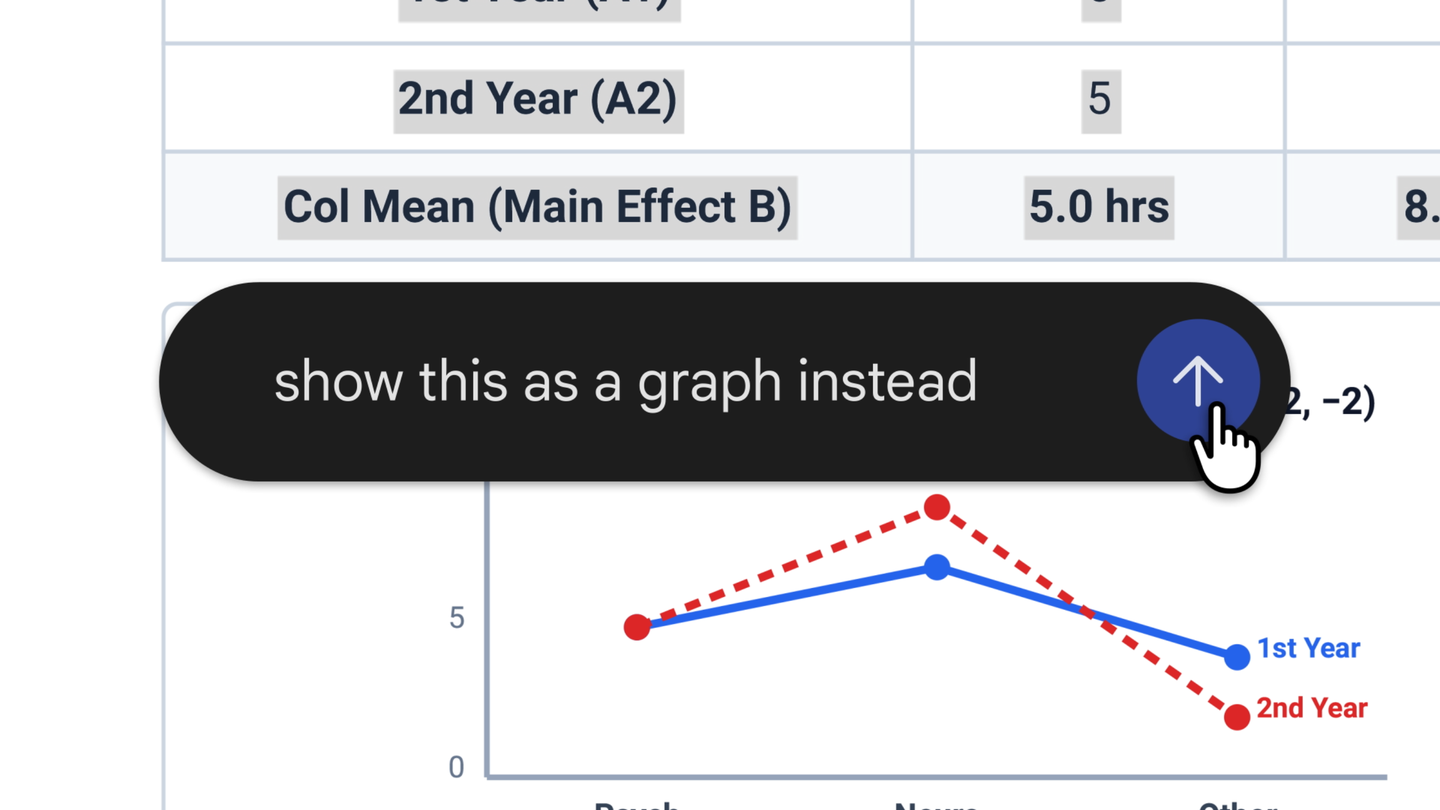
Google Gemini adds in-app generate, preview, and edit for documents, PDFs, slides, and spreadsheets
Google has expanded the Gemini app so users can create, preview, and revise office-style files without leaving the chat interface. According to Google, supported formats include documents, PDFs, presentations, spreadsheets, and related file types, with a new full-screen editor intended for refining generated output. The change pushes Gemini closer to an all-in-one workspace for knowledge work rather than a text-only assistant. Teams evaluating assistant products should weigh whether in-app editing reduces tool switching for draft-and-polish tasks. Google's public materials in this packet do not detail geographic rollout, subscription requirements, or how heavily formatted files behave in the editor, leaving those boundaries unclear until further documentation appears.
Google Gemini adds in-app generate, preview, and edit for documents, PDFs, slides, and spreadsheets
Google says Gemini users can now generate, preview, and edit documents, PDFs, presentations, spreadsheets, and more inside the Gemini app. A new full-screen editor is available to refine those files.
Key takeaway
Gemini now treats documents, PDFs, decks, and spreadsheets as first-class artifacts users can generate, preview, and edit inside the app via a full-screen editor.
What happened
Google says Gemini users can now generate, preview, and edit documents, PDFs, presentations, spreadsheets, and more inside the Gemini app, extending the assistant beyond conversational replies into file-oriented workflows.
Google highlights a new full-screen editor to refine those files, and its blog states users can generate, edit, and preview PDFs or Docs directly in Gemini as part of the rollout described on October 29, 2026.
Evidence
Gemini users can generate, preview, and edit multiple office file types inside the app.
Google Gemini · attributed
Google says Gemini users can now generate, preview, and edit documents, PDFs, presentations, spreadsheets, and more inside the Gemini app.
A full-screen editor is available to refine generated files in Gemini.
Google Gemini · attributed
A new full-screen editor is available to refine those files.
Google's blog invites users to generate, edit, and preview PDFs or Docs directly in Gemini.
Google Gemini · attributed
Generate, edit, and preview PDFs or Docs directly in Gemini. Use the new full-screen editor to refine your files today.
Why it matters
Product teams competing with Gemini must assume users may complete draft-and-edit loops inside a single assistant surface instead of exporting to dedicated office apps.
Limits and uncertainties
The packet does not state which countries, account tiers, or platforms receive the in-app editor or file types first.
The packet does not describe fidelity limits, export paths, or collaboration features for edited spreadsheets and presentations.
Practical implications
Workflow designers should map which document tasks can stay in Gemini versus which still require external editors or compliance review.
Support and enablement teams should prepare guidance on the full-screen editor once Google publishes tier and format constraints beyond this announcement.
What to watch
Google blog or help-center updates that specify rollout scope, eligible subscriptions, and supported file operations for the in-app editor.
User reports on whether complex PDFs, slide decks, and spreadsheets remain usable after in-Gemini edits compared with native office tools.