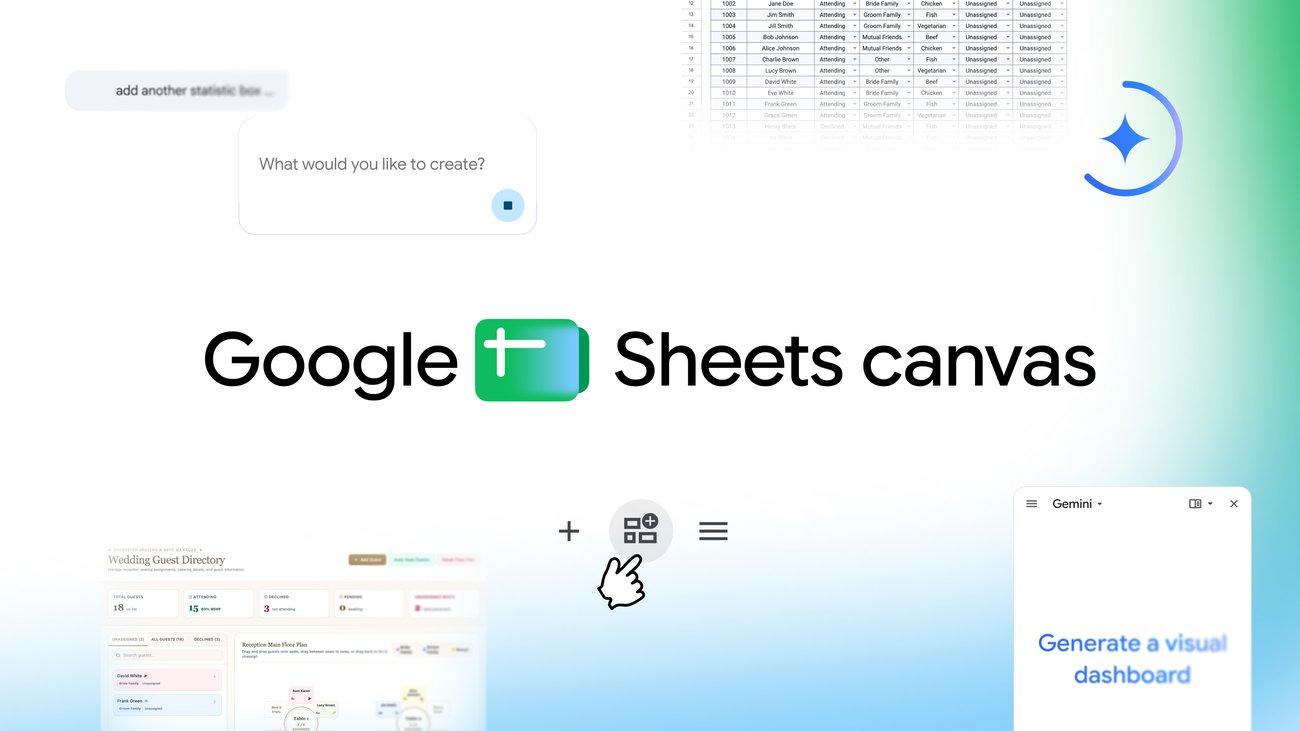
Google Sheets introduces Sheets canvas for AI-generated interactive dashboards
Google has introduced Sheets canvas, a Gemini-powered feature in Google Sheets that transforms static spreadsheet rows and columns into interactive, editable 'mini-apps' through simple natural language prompts. Users can generate dashboards, study trackers, seating charts, and fantasy league command centers without writing code. The feature operates as a dynamic read-write layer, so any changes made in the canvas automatically sync back to the underlying spreadsheet. Sheets canvas is rolling out globally in English, initially available to Google AI Pro and Ultra subscribers, with a phased rollout to Workspace Business and Enterprise Standard/Plus plans and the AI Pro for Education add-on. This lowers the barrier for non-technical users to build functional data tools, though adoption depends on AI subscription tiers.
Google Sheets introduces Sheets canvas for AI-generated interactive dashboards
Google Sheets brings a new feature, Sheets canvas, that turns data into interactive dashboards, custom study trackers, seating charts, and more with a simple prompt. It is now available globally in English to Google AI Pro and Ultra subscribers, with a rollout starting today for Workspace Business or Enterprise Standard and Plus plans and Google AI Pro for Education add-on subscribers.
Key takeaway
Generative UI is turning the spreadsheet into a low-code app builder for everyday data tasks, moving beyond static grids.
What happened
Google announced Sheets canvas, a new feature in Google Sheets built with Gemini that lets users turn spreadsheet data into interactive, visual mini-apps via simple natural language prompts. According to a Google blog post, the tool is a dynamic, read-write layer that sits directly on top of spreadsheet data, allowing users to visually organize, edit, and navigate information in custom layouts without any coding.
The feature supports practical use cases like study trackers, seating charts, and fantasy sports dashboards, with changes syncing automatically to the original spreadsheet. Sheets canvas is rolling out globally in English, starting with Google AI Pro and Ultra subscribers, and extending today to Workspace Business/Enterprise Standard and Plus plans, as well as Google AI Pro for Education add-on subscribers.
Evidence
Sheets canvas is a dynamic, read-write layer built with Gemini that lets users create interactive mini-apps from natural language prompts.
Google AI · attributed
Sheets canvas is a dynamic, read-write layer that sits directly on top of your spreadsheet data. This means that you can visually organize, edit, and navigate your data in whatever layout you imagine.
Sheets canvas is available globally in English to Google AI Pro and Ultra subscribers, rolling out to Workspace and Education plans.
Google AI · attributed
Sheets canvas is now available globally in English to Google AI Pro and Ultra subscribers. It's rolling out starting today to Google Workspace customers on Business or Enterprise Standard and Plus plans, and to Google AI Pro for Education add-on subscribers.
Why it matters
This shift from static data grids to interactive, generative interfaces empowers non-technical users to build bespoke tools, likely pressuring traditional BI and low-code platforms as spreadsheet workflows become more application-like.
Limits and uncertainties
Initial release is limited to English and requires a paid Google AI subscription (Pro/Ultra or eligible Workspace/Education plans).
The blog does not specify performance limits or feature parity across tiers.
Practical implications
Operators can create interactive dashboards for internal teams without dedicated BI tools, but must assess subscription costs and data sync behavior.
Builders should consider extending Sheets canvas workflows into automated pipelines, as generated canvases sync bidirectionally with underlying data.
What to watch
Rollout to additional languages and broader free or lower-tier plans.
Integration of Sheets canvas with other Google Workspace apps or external data sources.